Right Panel
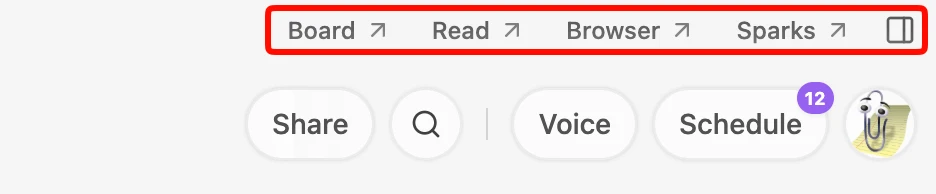
The Right Panel is a versatile multi-tool workspace that sits on the right side of your screen. To open or switch between tools, click their icons in the top bar.
The tools
- Sketch — a whiteboard for editing and creating your sketches and diagrams.
- Spark — turn your intent into interactive mini-apps; ask Lino AI to generate custom slide decks, Kanbans, or simulators. The integrated Spark Gallery panel supports visual tabs, thumbnail cards, search/filter, and instance tracking, letting you drag-and-drop saved Sparks directly onto any canvas or manage them via context menus.
- Files — a universal previewer for all local files (PDFs, EPUBs, and more) to keep references in sight.
- Browser — seamless web research without leaving your workspace. Browse documentation, gather inspiration, and drag text or images directly onto your canvas.