Card View
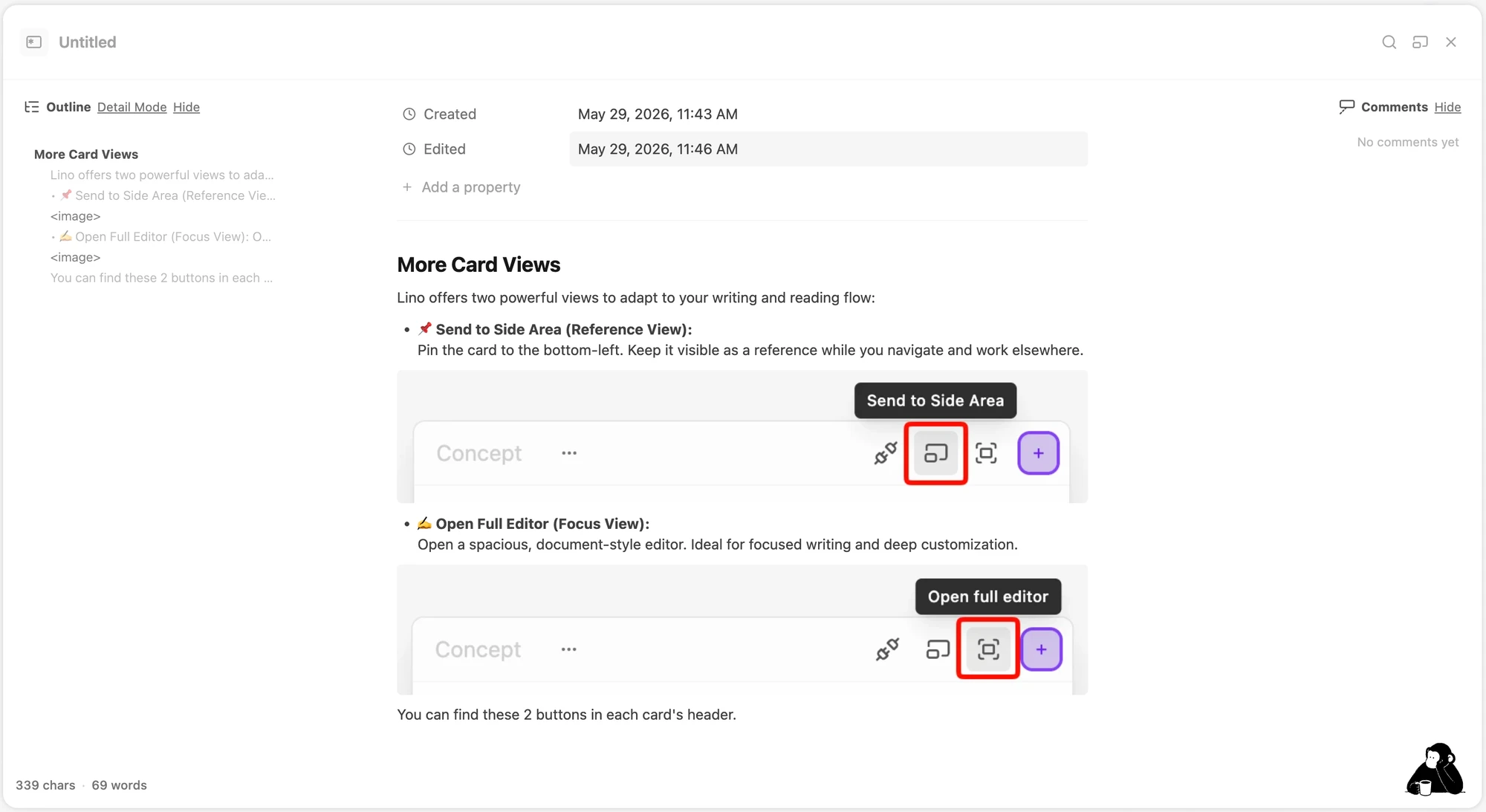
Lino offers two extra ways to view a card, so it can adapt to your writing and reading flow. You'll find both buttons in each card's header.
📌 Send to Side Area (Reference View)
Pin the card to the bottom-left of your screen. Keep it visible as a reference while you navigate and work elsewhere on the canvas.

✍️ Open Full Editor (Focus View)
Open a spacious, document-style editor — ideal for focused writing and deep customization.